How to Set Up Your Club
Setting up your club on Open Active is quick and easy. Follow these steps to get your booking system up and running.
1
Create Your Club Account
Sign up for an Open Active account and create your club profile. You'll need basic information about your club, including name, location, and contact details.
2
Configure Your Courts
Add your courts to the system. Set up court names, types, and any special rules or restrictions for each court.
3
Set Booking Rules
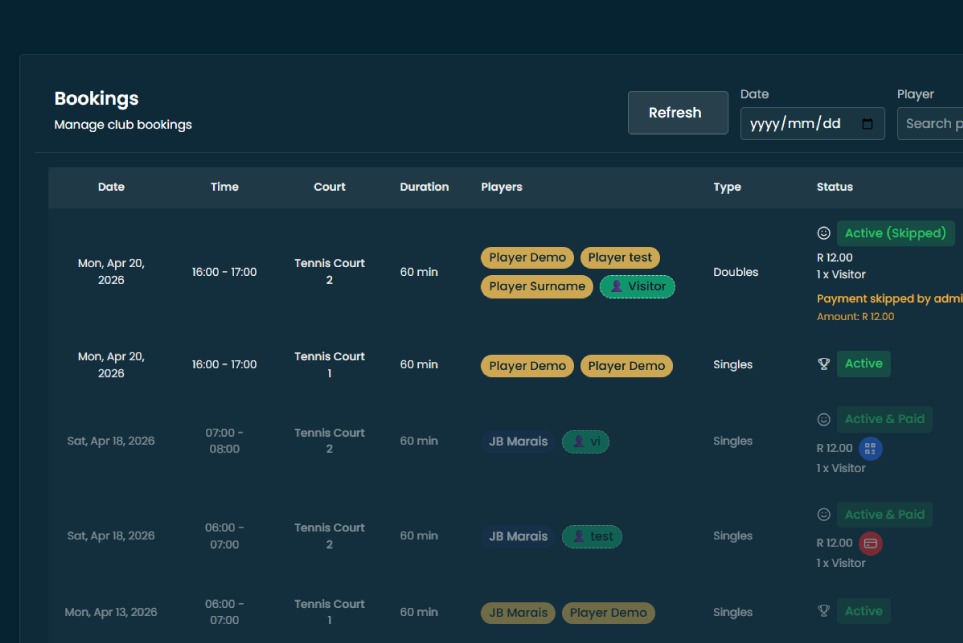
Configure your booking rules including session lengths, advance booking limits, and any blocking rules for coaching or maintenance.
4
Invite Your Members
Start inviting your members to join. They can sign up and start booking courts right away.
5
Add Optional Modules
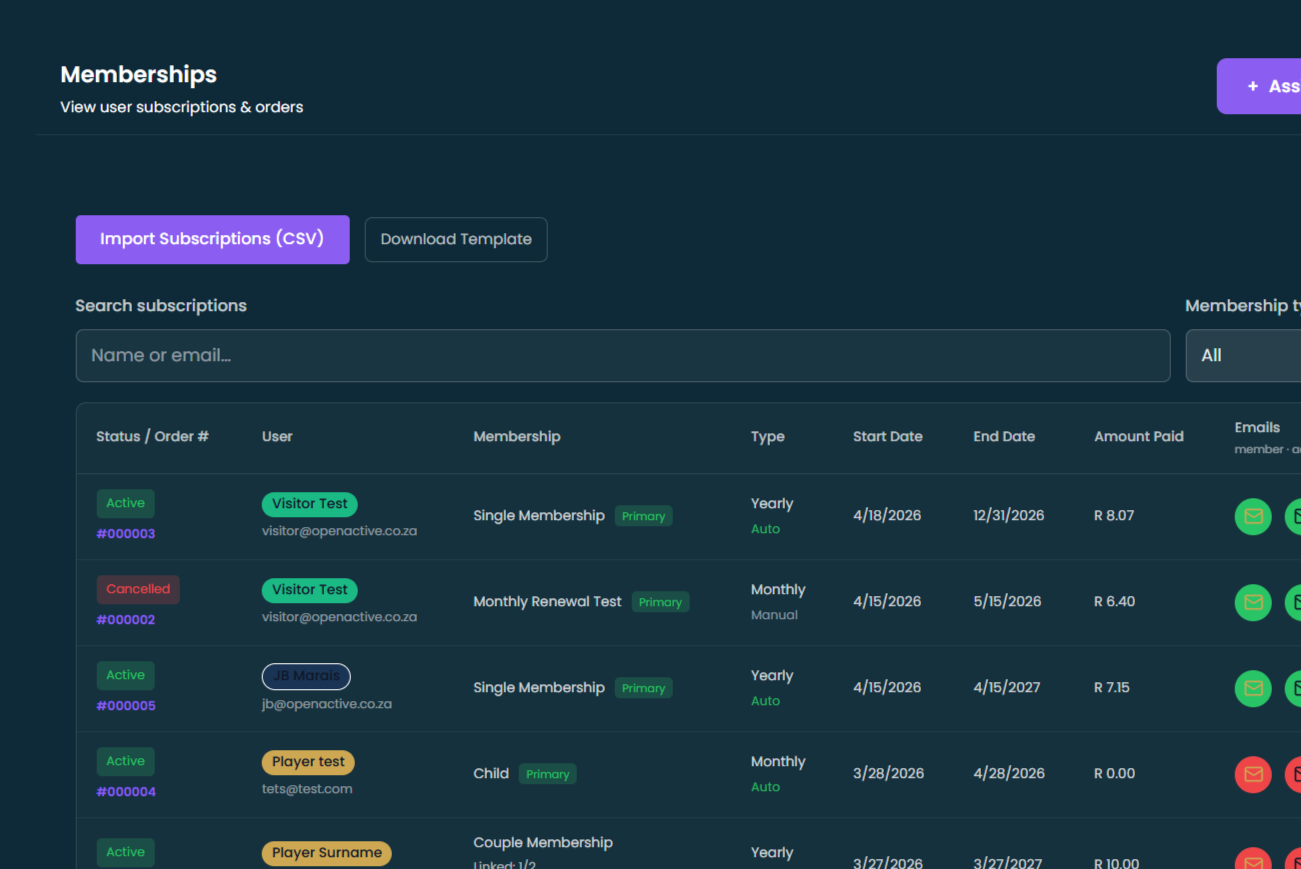
Enhance your club's experience by adding modules like Member Manager, Payments, Emailers, or Website integration.