Go maketa ka imeile
E golaganya lenaane la maloko a gago le serweboleta sa imeile sa bontsi sa Mailchimp. Gore o kgone go tlhoma maloko a gago ka ditlhopha le go buisana le bone ka tsela e e nang le matswela.
Mesola ya Botlhokwa
Effective member communication
Automated email campaigns
Targeted messaging by segment
Professional email templates
Analytics and engagement tracking
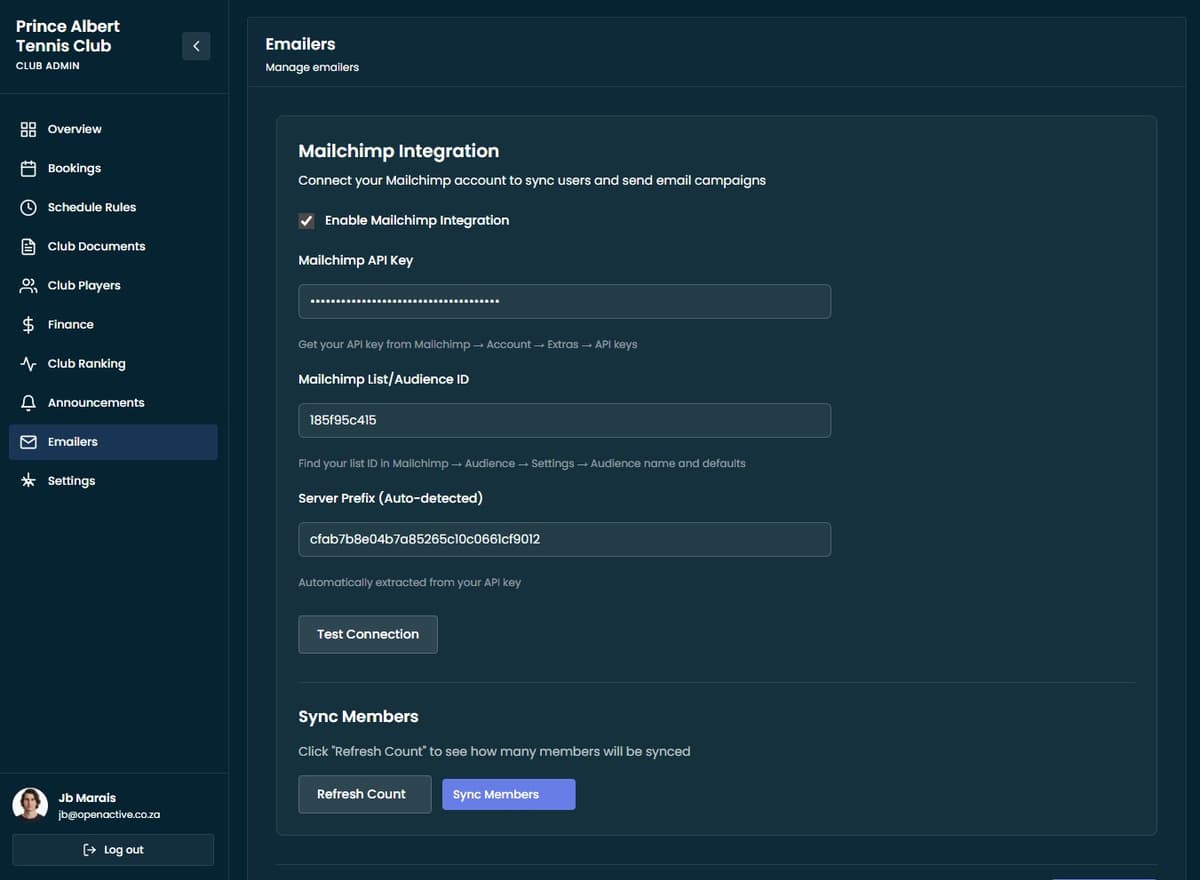
Mailchimp Integration
Seamlessly connect your member database with Mailchimp for powerful email marketing campaigns. Automatically sync member lists and keep your audience segments up to date.
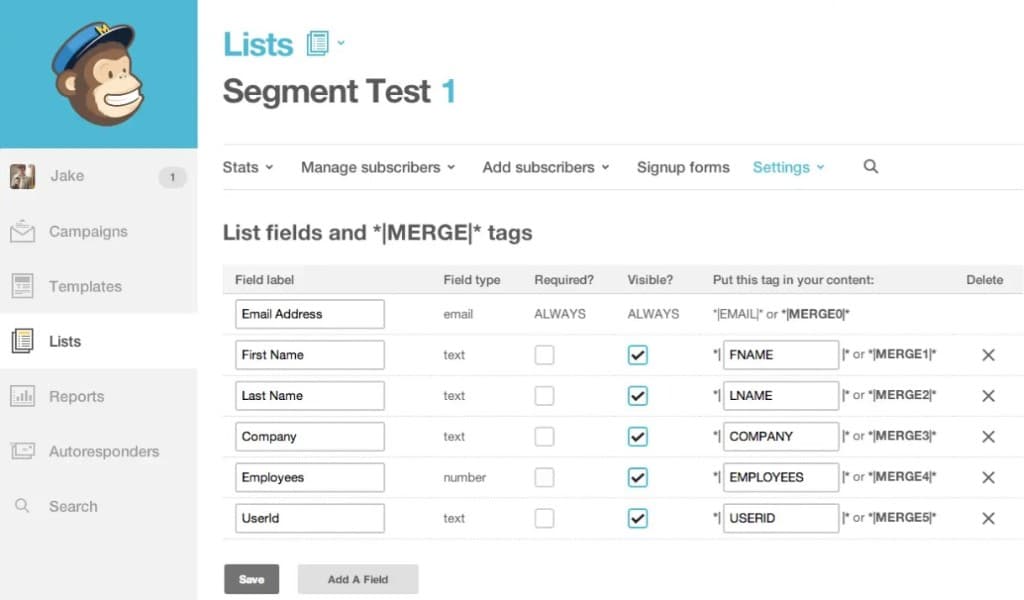
Member Segmentation
Group members by role, membership type, activity level, or custom criteria. Send targeted emails to specific segments for more effective communication.
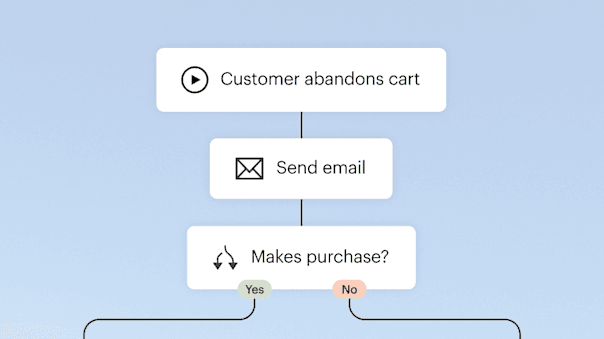
Automated Campaigns
Set up automated email campaigns for new member welcome messages, booking reminders, event announcements, and membership renewals. Save time with automated communication.
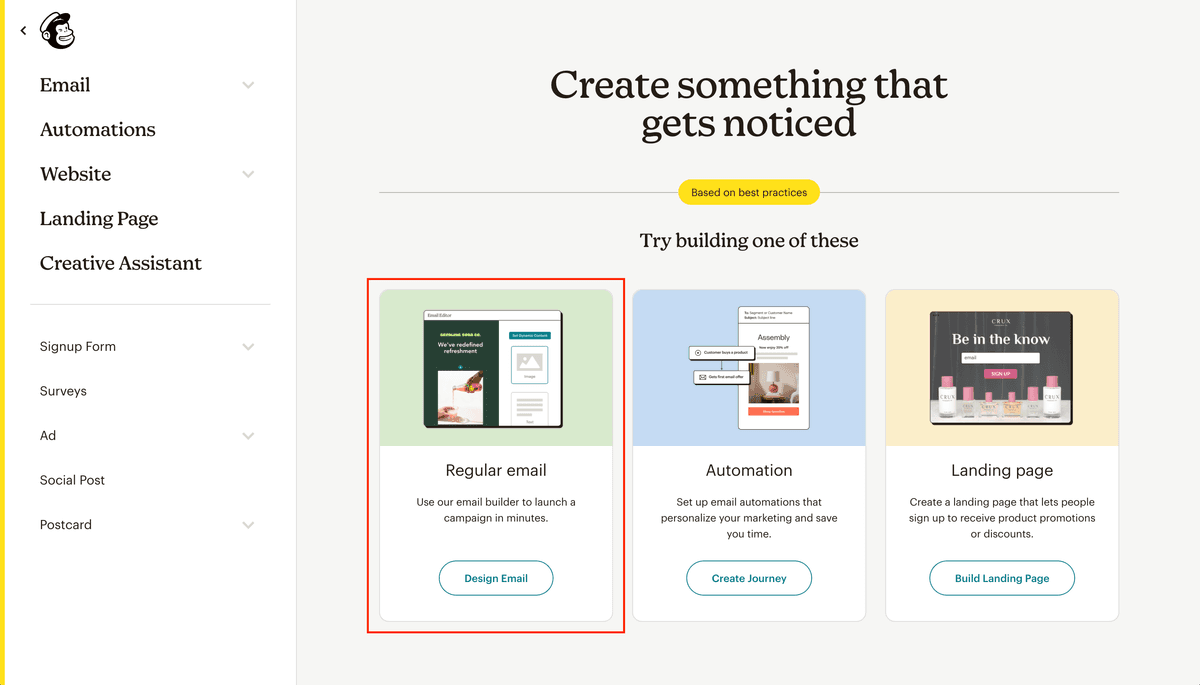
Newsletter Management
Create and send newsletters, announcements, and promotional emails to keep members engaged and informed about club activities, events, and news.
Diseting tsa botsamaisi jwa tlelapa le ditlhopho
Rulaganya diseting tsa tlelapa ya gago le go itebaganya ditlhopho gore di tsamaisane le ditlhoko tse di kgethegileng tsa tlelapa ya gago. Laola melao ya go buka, phitlhelelo ya leloko, le ditlhopho tsa tsamaiso ka ditaolo tse di maatla tsa botsamaisi.
Batla dikarabo fano
Dipotso tse di bodiwang kgapetsakgapetsa
No. Open Active keeps the club’s member list in sync. The club writes and sends newsletters in Mailchimp or MailerLite (if they have connected one). Campaigns, templates, and send times are all club choices.